



Logging into your Cybet account is quick and straightforward. You only need your registered email and password. For extra protection we strongly recommend enabling two-factor authentication (2FA) with Google Authenticator.

Step-by-Step Login
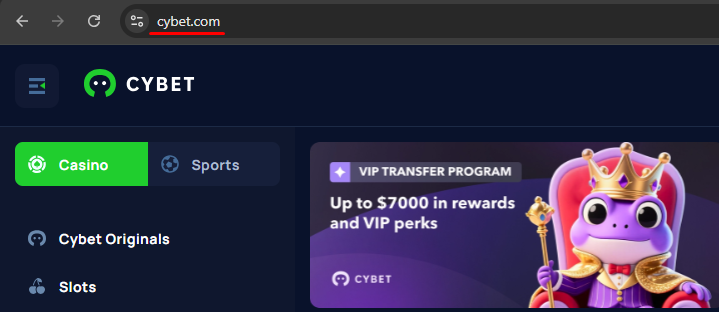
Step 1
Go to the Cybet website or open the PWA shortcut on your home screen.
1
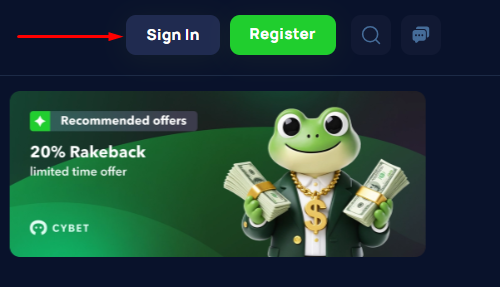
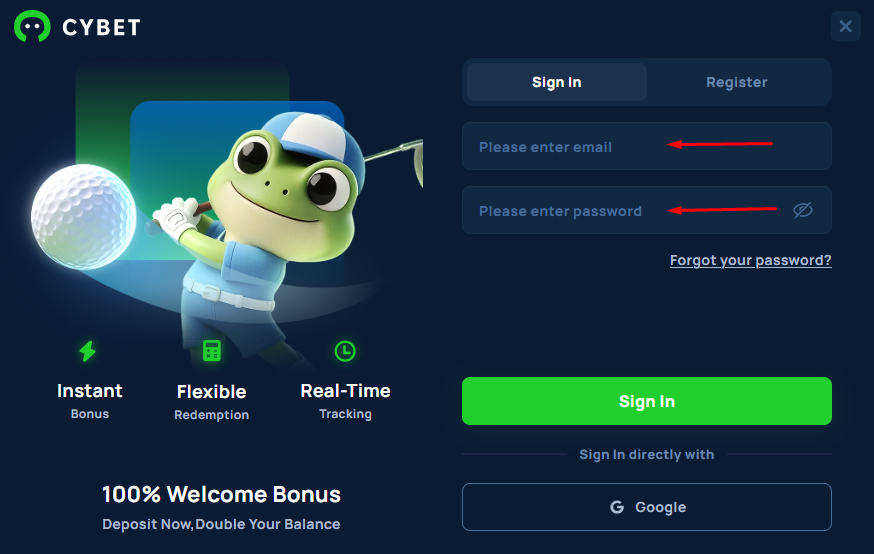
Step 3
Enter your email address and password.
1
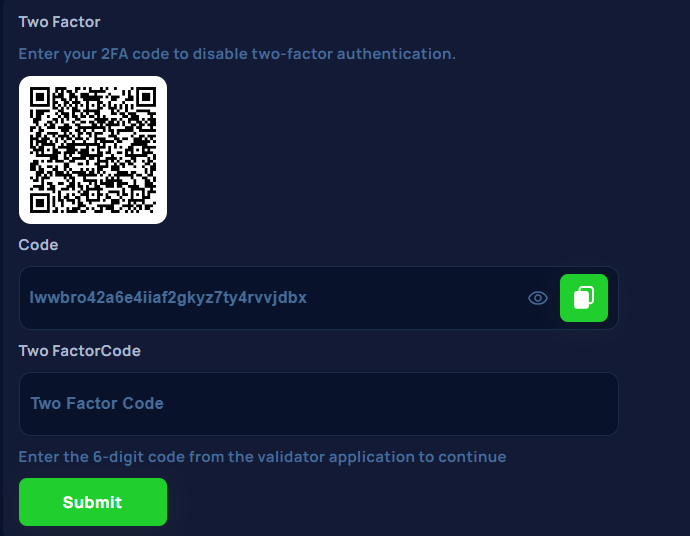
Step 4
If 2FA is enabled, enter the 6-digit code from Google Authenticator.
1
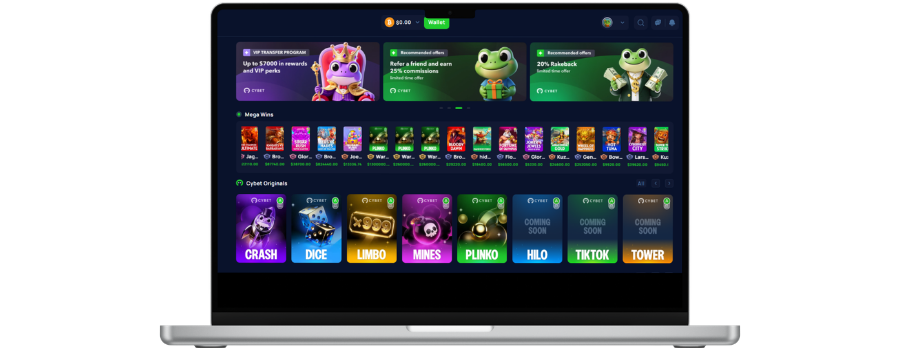
If you get stuck, try a password reset or contact 24/7 live chat.
Login on Mobile (PWA)
No need to download an app — everything works through the browser:
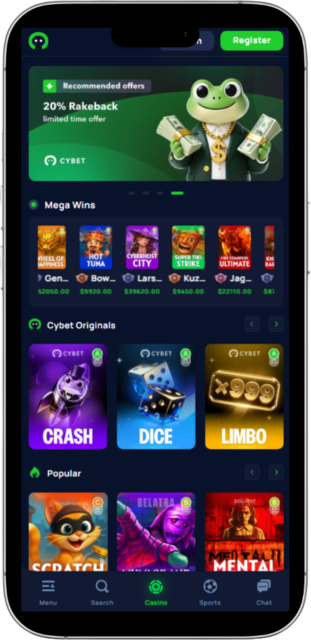
Step 1
Open Cybet in Chrome (Android) or Safari (iOS).
1
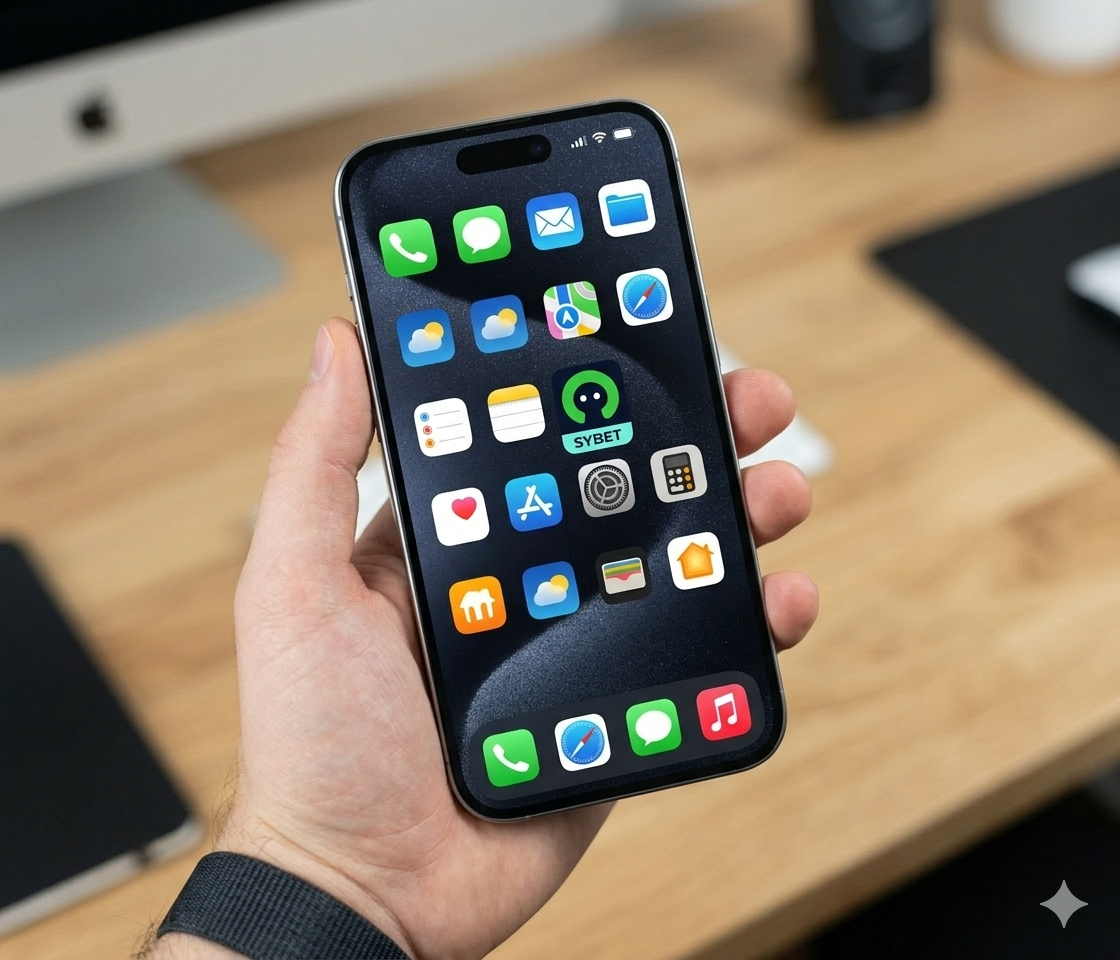
Step 2
Tap Add to Home Screen to create a shortcut.
1
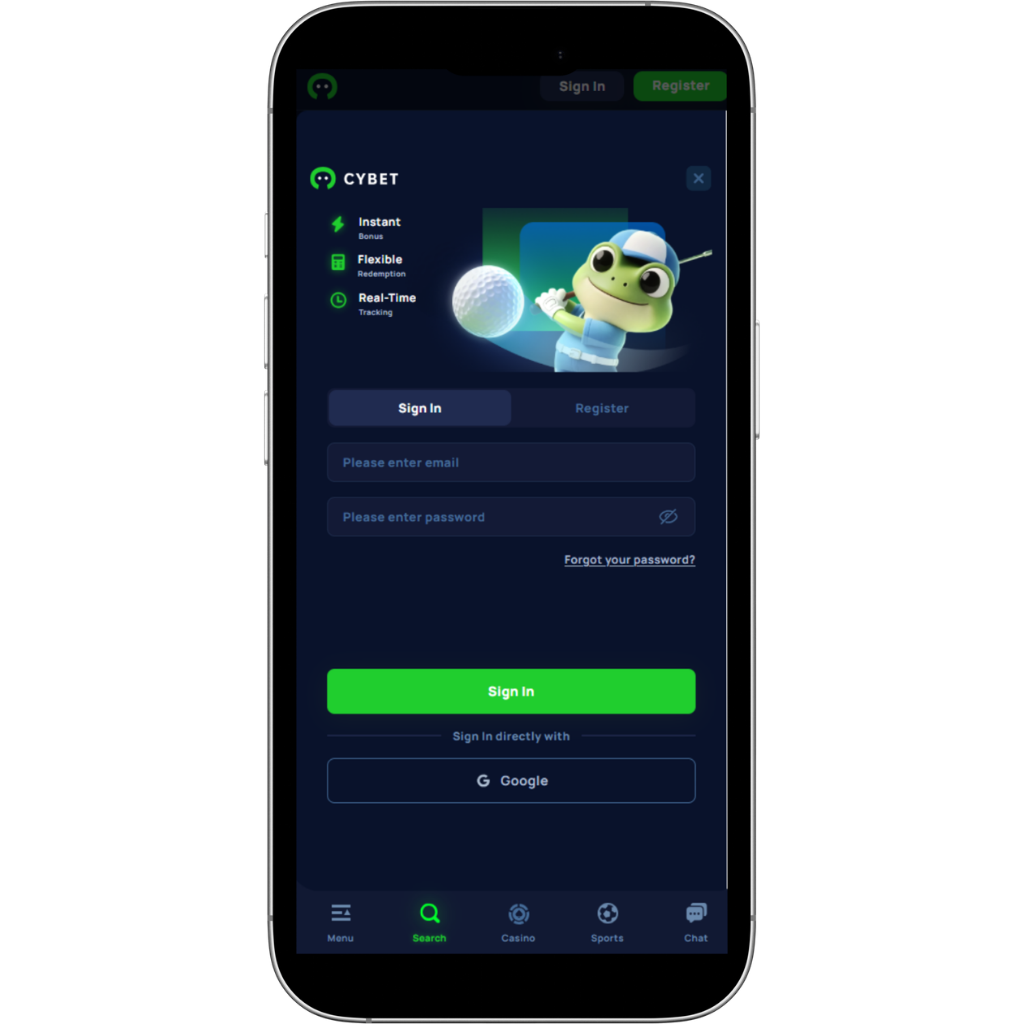
Step 3
Launch the icon and log in with your email and password.
1
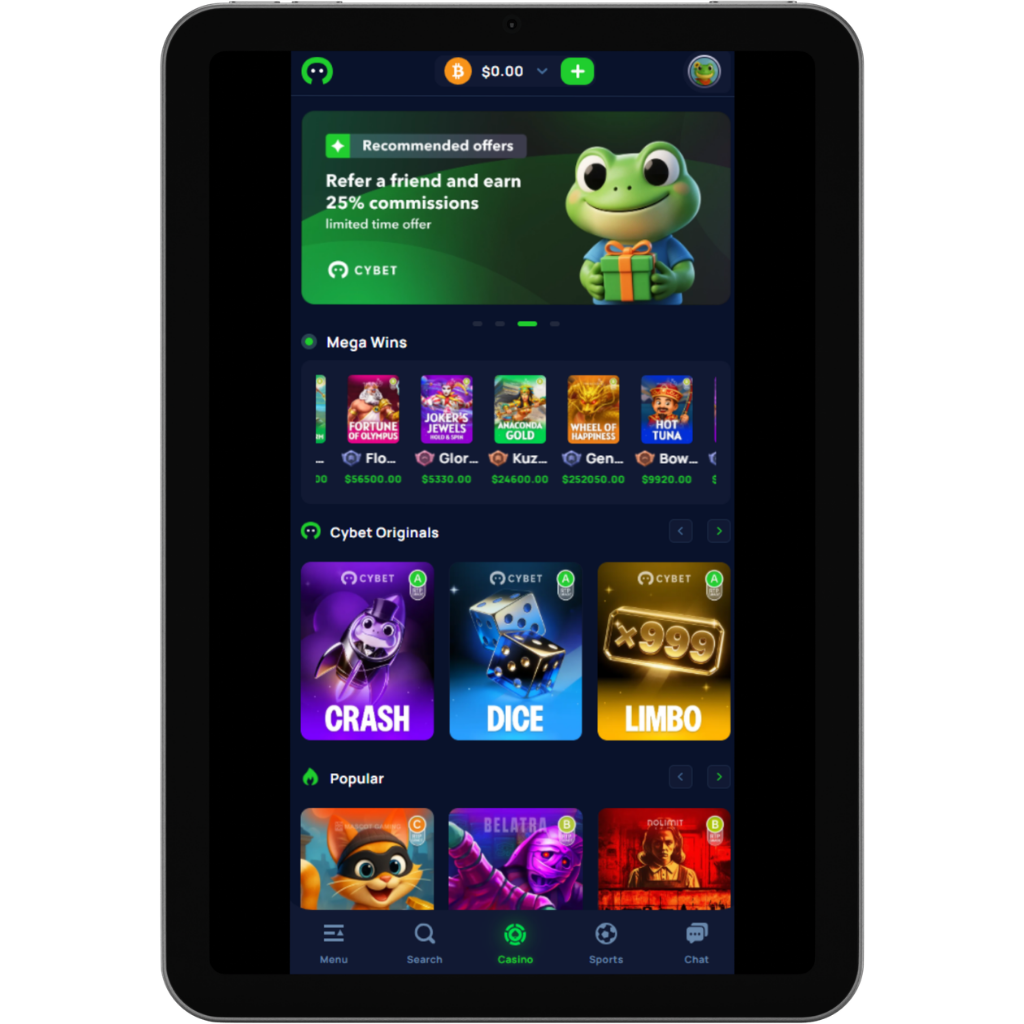
Step 4
Now the bookmaker and casino are available in a single session — simply switch between sections.
1
Tip: Use a passcode on your phone and avoid public Wi-Fi for maximum security.
How to Reset Your Password
- On the login page click Forgot Password?
- Enter the email address linked to your account.
- Check your inbox (including spam) and click the reset link.
- Create a new strong, unique password.
- Log back in and re-enable 2FA.
Why Your Account May Be Temporarily Locked
Cybet may lock your account for protection if the system detects:
- Multiple failed login attempts
- Login from a new device or different country
- Large or unusual withdrawal requests
- Suspicious activity
To unlock it quickly: contact live chat or email support@cybet.com and provide your most recent deposit transaction hash as proof of ownership.
How to Keep Your Account Safe
- Enable 2FA (Google Authenticator) for login and withdrawals
- Use a strong, unique password (never reuse it)
- Protect the email address linked to Cybet
- Always log out after playing
- Avoid public Wi-Fi and shared devices
What to Do If Your Account Is Hacked
- Contact support immediately (live chat or support@cybet.com) and send your latest deposit transaction hash.
- Secure your email first: change its password and enable 2FA.
- Reset your Cybet password and re-enable 2FA.
- Review recent logins and withdrawal addresses — report anything suspicious.